Back to Blog Page
You Don’t Have an AI Problem. You Have...
October 27, 2026

A developer opened an AI coding tool and typed a simple request: “Fix this error.” Within minutes, the AI suggested a solution; the error appeared to be fixed, and the application was tested. But the same issue returned. Another prompt produced another solution. This time, the original error disappeared, but something else stopped working.
After a few attempts, the team stepped back and looked at the problem from the beginning. They realized that the error message wasn’t the actual problem. The real issue was a data flow problem several layers earlier in the application.
The AI wasn’t necessarily the problem. The problem was the question.
The developer had given AI the symptom instead of the context. This is becoming increasingly relevant as tools such as Claude, ChatGPT, and AI coding agents become part of everyday software development. AI can generate code quickly, but speed doesn’t automatically mean understanding. When the underlying problem hasn’t been properly understood, AI can simply help a team move in the wrong direction faster.
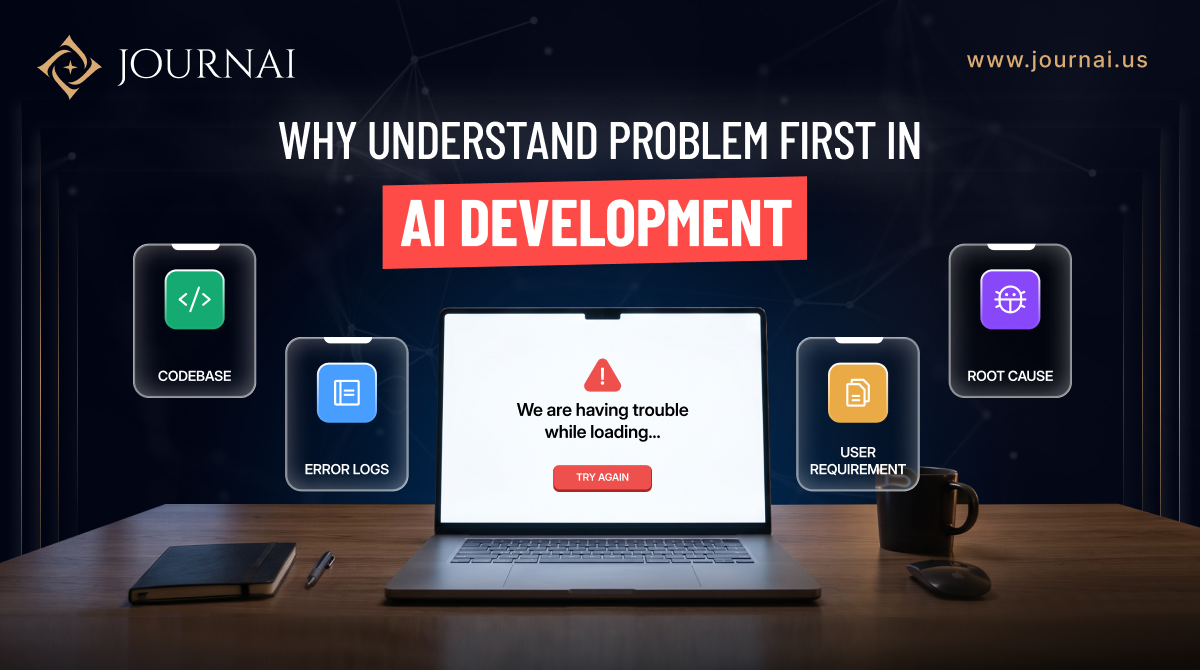
When developers work with an unfamiliar codebase, they rarely start changing files immediately. They first try to understand how the application works and where the problem actually begins. They might look at:
AI needs much of the same context to provide a useful solution.
For example, telling an AI agent “Fix the login issue” gives it very little information about the actual problem. It might suggest a technically valid change, but that change could overlook existing authentication rules, user roles, middleware, or business logic.
Now consider a more complete explanation:
“Users are currently redirected to the dashboard after login, but users with role X should be redirected to their assigned workspace. The existing role middleware is in RoleMiddleware, and this behavior started after the recent authentication update.”
That context gives the AI something meaningful to reason about. It can investigate the relevant flow, understand the expected behavior, and suggest a solution that fits the existing application rather than simply changing the first piece of code that looks suspicious.
The difference isn’t always the AI model. It’s the quality of the context we give it.

One of the biggest mistakes teams make with AI-assisted development is treating every task as an isolated coding question.
Real applications aren’t isolated.
A small change can depend on:
That’s why AI agents are increasingly designed to work with repositories rather than just individual code snippets.
OpenAI explains that its Codex agent can work on tasks such as understanding codebases, fixing bugs, writing features, and proposing pull requests. It also notes that agents perform better when they have configured environments, reliable testing setups, and clear documentation.
The idea is simple:
Give the AI a map before asking it to drive.
There is an important difference between:
“Write this code for me.”
and
“Help me understand why this is happening, suggest possible causes, and then help me implement the safest solution.“
The second approach changes the role of AI.
Instead of treating AI as a code generator, developers can use it as an AI development partner.
For example, before asking for a fix, you can ask AI to:
That process may take slightly longer at the beginning.
But it can prevent hours of fixing the wrong problem.
AI-assisted development can create meaningful productivity gains.
In one GitHub study involving professional developers, the group using GitHub Copilot completed a controlled coding task 55% faster than the group without it.
That’s significant.
But speed is only one part of software development.
A dedicated developer can generate a feature quickly and still spend hours debugging it later if the original requirements were misunderstood.
GitHub’s research has also emphasized that AI coding tools are most useful as collaborators rather than replacements for engineering judgment. Their earlier research found that developers often viewed AI suggestions as useful starting points even when they needed to rework them.
“How quickly can AI write this?”
A better question is:
“How quickly can we reach the correct solution?”
Those aren’t always the same thing.
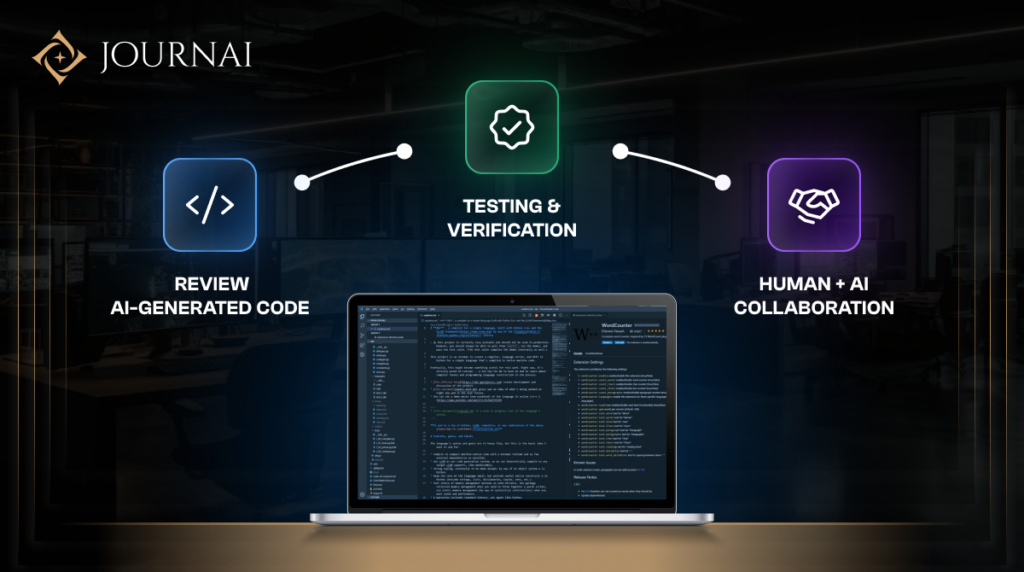
A practical AI-assisted workflow doesn’t need to be complicated.
Before asking an AI tool or agent to make a change, provide four things:
What should the application actually do?
What is happening right now?
Which part of the codebase, database, API, or workflow is involved?
What should not change?
This last point is particularly important.
A solution that fixes one problem while breaking three existing workflows isn’t a successful solution.
AI agents are becoming capable of handling longer and more complex development tasks.
OpenAI’s research describes the shift from short chatbot interactions toward agents handling longer, delegated tasks and interacting with development environments independently.
But more autonomy doesn’t remove the need for human judgment.
Someone still needs to decide:
Is this actually the right problem to solve?
Someone needs to understand the business requirement.
Someone needs to validate whether the proposed solution fits the architecture.
And someone needs to review what changed before it reaches production.
AI can investigate.
AI can suggest.
AI can implement.
AI can test.
But the responsibility for the product still belongs to the people building it.
The biggest change in AI-assisted development isn’t learning how to write better prompts.
It’s learning how to think before prompting.
Instead of immediately asking:
“Can you fix this?”
start with:
“Here is what the application is supposed to do, here is what it currently does, here is the relevant part of the codebase, and here is what changed. Help me identify the root cause before we decide how to fix it.”
That small change can completely change the quality of the conversation.
Because AI doesn’t just need instructions.
It needs enough context to reason about the problem.
AI tools like Claude and ChatGPT are changing how software is developed.
But the strongest teams won’t simply be the ones generating the most code.
They’ll be the ones that know when to ask AI, what context to provide, how to evaluate the answer, and when human judgment needs to take over.
The future of AI-assisted development isn’t about developers disappearing from the process.
It’s about developers spending less time on repetitive implementation and more time understanding problems, making decisions, reviewing solutions, and building better products.
Don’t ask AI to solve the problem before you understand the problem yourself.
That is where effective AI-assisted development begins.