Back to Blog Page
The Model Works. The Business Still Can’t Use...
October 13, 2026

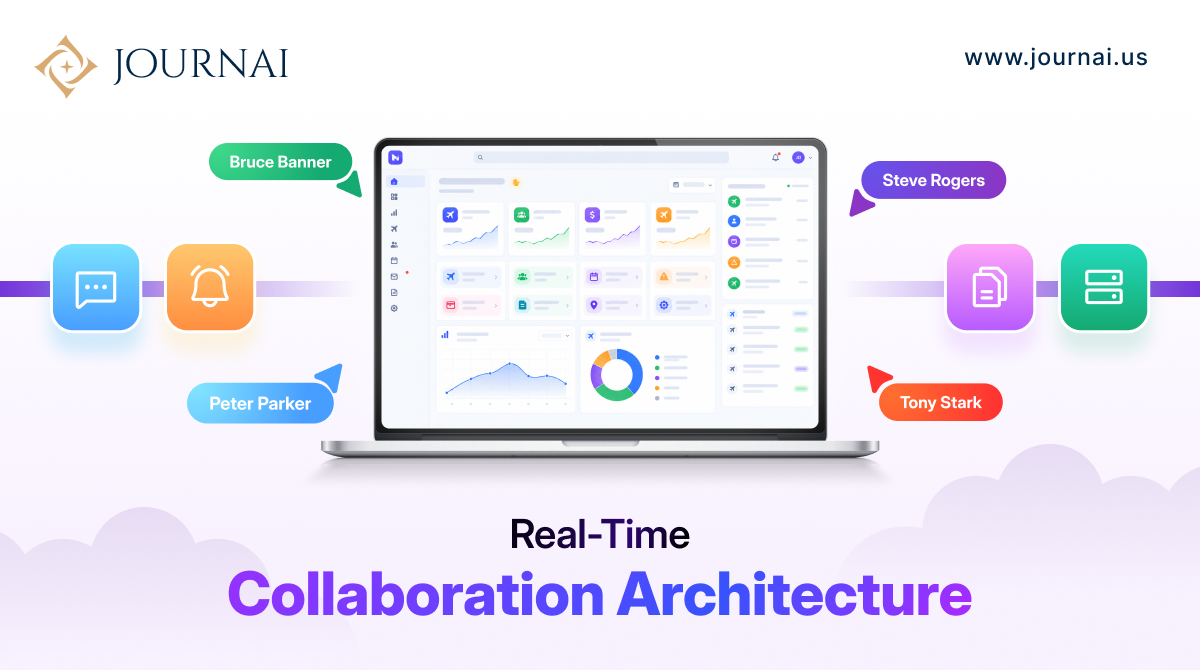
Imagine two people working inside the same application.
One person updates a task. The other sees the change immediately.
Someone sends a message, and it appears without refreshing the page. A teammate starts editing a document, and another user can see that activity almost instantly.
To the user, it feels natural.
But behind that simple experience is a different way of thinking about application communication.
Traditional web applications often wait for the browser to ask the server whether something has changed. Real-time applications reverse that relationship: when something important happens, the server can send the update to connected users.
That is where WebSockets, Pusher, and real-time event broadcasting become useful.
A real-time experience is not simply about making a page refresh faster.
It is about reducing the delay between an event happening and the user seeing its result.
For example:
User A updates a task → Server processes the event → Real-time service broadcasts the update → User B sees the change
WebSockets provide a persistent, two-way communication channel between a browser and server, allowing messages to move without repeatedly polling the server. MDN describes the WebSocket API as a way to establish an interactive communication session where both the browser and server can send data.
This makes WebSockets useful for applications where information changes frequently.
Common examples include:
The important question is not whether an application can use WebSockets.
It is whether users actually benefit from seeing changes immediately.

Consider a collaboration tool where users can assign tasks to one another.
With traditional polling, the browser might repeatedly ask:
“Has anything changed?”
The server responds:
“No.”
A few seconds later:
“Has anything changed?”
Eventually:
“Yes. The task was updated.”
That approach can work for some applications, but it creates unnecessary requests when updates are infrequent.
With a WebSocket connection, the client maintains a communication channel with the server. When an important event occurs, the application can push the update to connected clients.
Laravel’s current broadcasting documentation describes WebSockets as an efficient alternative to continually polling for changes that need to be reflected in the UI.
That difference becomes increasingly important when many users are connected at the same time.
Building raw WebSocket infrastructure can involve connection management, channels, authentication, scaling, reconnection handling, and message delivery.
A service such as Pusher Channels can provide infrastructure for real-time messaging while the application focuses on its own business logic.
The architecture can look like:
Frontend → Laravel Backend → Broadcast Event → Pusher → Connected Clients
For example, when a user sends a message, the backend can create a MessageSent event. That event can then be broadcast to the appropriate channel, allowing other connected users to receive the update.
Laravel officially supports Pusher Channels as a broadcasting driver, alongside options including Laravel Reverb, Ably, and Mercure. Laravel Echo can listen for these server-side broadcast events on the frontend.
This separation makes the architecture easier to reason about.
The application decides what happened.
The broadcasting layer handles how connected clients receive the event.
Real-time collaboration becomes more interesting when multiple people can actively work on the same resource.
Think about a project management application.
One team member changes a task status while another adds a comment. A third user may be looking at the same project dashboard.
The application needs to decide:
These questions are part of the architecture, not simply frontend implementation details.
For private or sensitive collaboration, authorization is especially important. Laravel’s broadcasting system supports public, private, and presence channels, allowing applications to control who can subscribe to particular real-time streams.

This is an important architectural decision.
Not every piece of application data needs to be pushed instantly.
A profile update that happens once a month probably does not need a persistent real-time channel.
A team chat, collaborative editor, or live operations dashboard may benefit significantly from one.
The right approach is to identify events where timing directly affects the user experience.
For example:
| Feature | Real-Time Value |
| Chat messages | High |
| Live notifications | High |
| Collaborative editing | High |
| Delivery status | High |
| Admin dashboard metrics | Medium–High |
| User profile | Low |
| Static content | Low |
This prevents teams from adding real-time infrastructure simply because it is technically possible.
Real-time systems introduce their own operational challenges.
More connected users mean more persistent connections and more events moving through the system. Applications also need to account for disconnections, reconnects, authorization, duplicate events, ordering, and sudden traffic increases.
Laravel’s broadcasting architecture also uses queued jobs for broadcasting, helping keep event broadcasting from unnecessarily slowing the main application response.
For a growing application, the architecture should therefore consider:
A real-time feature may look like a small UI improvement, but the infrastructure behind it deserves the same planning as any other critical application component.
The most interesting real-time products go beyond simply showing notifications.
They create a sense that everyone is working inside the same live environment.
A CRM can show when another team member updates a customer.
A project management platform can instantly reflect task changes.
A collaborative document can show who is currently active.
A support application can update ticket status while agents are working.
The technology is similar, but the product experience depends on how those events are designed and connected to the application’s business logic.
WebSockets and Pusher are not the product themselves.
They are infrastructure that helps applications respond to events faster and create more connected experiences.
The real engineering challenge is deciding which events matter, who should receive them, what data they need, and how the system should behave when connections fail or usage grows.
When those decisions are made early, real-time functionality can become a natural part of the application rather than a feature added after the architecture is already difficult to change.
For teams building chat, live dashboards, collaborative workspaces, notifications, or other real-time products, the right architecture can make the difference between a feature that simply works and one that remains reliable as usage grows.
JournAI helps businesses design and develop modern software products with real-time functionality, scalable backend architecture, and user experiences built around how teams actually work.
Building a live collaborative product? Start with the architecture, not just the WebSocket connection.